
Every visitor to this article must be praiseworthy for some serious efforts in this domain given almost each of us have put expensive thoughts in
- coming up with absurd yet stubborn reflexes of generating our unique password generation logic
- finding a secure storage for it (the head 💪, that .xlsx with no sync 🤓, that google keep list 😭, that paper under two dictionaries)
- recalling those
The laziest of us (or most of us eventually after the above experiments) just have told our browsers to remember it.
TLDR; Passwords are hard to manage.
And therefore in this writeup we are talking about why password management matters, what your options are depending on your technical appetite, caveats of each of the managed and self-managed paths, and how to find some peace to yourself and justice to your passwords.
Why though?
Just for the fact that the internet ecosystem is booming and your dependence on it is bound to increase in the near future. Already with the number of applications exploding on our devices, password manager is already a nightmare for some. Not to forget, the thought of password remembrance becomes a bar of entry into a software for some.
While the google/apple sign-in and otp guys have the option to rejoice, but only to be hoping everyday that the worst case of getting locked out of their king account/number just never happens.
Coming to the main point, trusting such big organizations with your private information is not so okay especially when its coming to Chrome/Firefox/Apple's inbuilt password managers. Some important issues I can think of
- Not enough visibility into mechanics behind their cloud password store
- Too easy accessibility - Account compromised means all passwords compromised as plain text
- Getting locked - You choose a browser, you choose that browser. No integrations, no global autofills.
- Not so good - It just says nay to custom rules, custom password length, multi-passwords for same domain
Solutions?
There's no best or most recommended solve to this password problem, and each approach has tried to attract it's most-suited audience. Password managers are such a product that customers are loving using it. Others probably had came and moved out.
Hack yourself a password manager
Our life's full of hacks and jugaads right, then why not attempt the same here as well 😉. We can of course keep using Chrome/Firefox passwords and in cases of in-app passwords, just copy passwords from the browser settings page. Works. With Google working on an integration, things are hopeful to be smoother.
Or the password-protected Excel file with all your passwords which lives only on your personal computer, works! 😄
Buy yourself a password manager
The straightforward solution to this problem is to ask a reputed product in this domain to take your money and give you the convenience they promise. And yes, the money here is a very, very wise investment. This gives a seamless password sync across your devices, and in-device applications. LastPass, Dashlane, Bitwarden are some of the leading strikers in this field.
Build yourself a password manager
pass / gopass
This is my recommended way of going forward with if you're a tech-savvy person, willing to spend some left-brain over the money, has preference of security over convenience and overall has the heart to experiment with. And finally comes my opportunity to talk a bit about my setup! 🤠
pass is a standard built-in command-line-first password manager in UNIX-like systems. Post its setup through a GPG keypair, it intends to be as simple to use as possible. It leaves no stones unturned as mentioned in the above bullets for others.
Talking of the first integration (Browsers), we need a browser extension / plugin and a daemon which it's talk to (extensions can't run shell commands ftw). And there has been interesting open-source work around this like:
- browserpass native and its extension
- gopass bridge and its extension
Talking of the next integration (Phones), we have open-source active-development applications like:
As far as my security setup is concerned, I have my pass repository synced remotely to GitLab (which in turn is protected through 2FA and no 3rd party integrations)
- Why gopass? Only for the fact that it's accompanying extension has been designed much better.
- gopass compatibility with Android-Password-Store? Seamless once you've set
gopass config mime false. - Do you input GPG keyphrase every time on the computer and phone? So, I'm doing it one-time-a-day and the keychain takes control from there. You might differ based on your security appetite.
- What's next? Looking at https://github.com/roddhjav/pass-tomb 😇
Of course the others
We definitely have infinite other possibilities with Keepass being my second favourite. I believe password management is an art and ever-evolving. Afterall passwords are the key to everything.
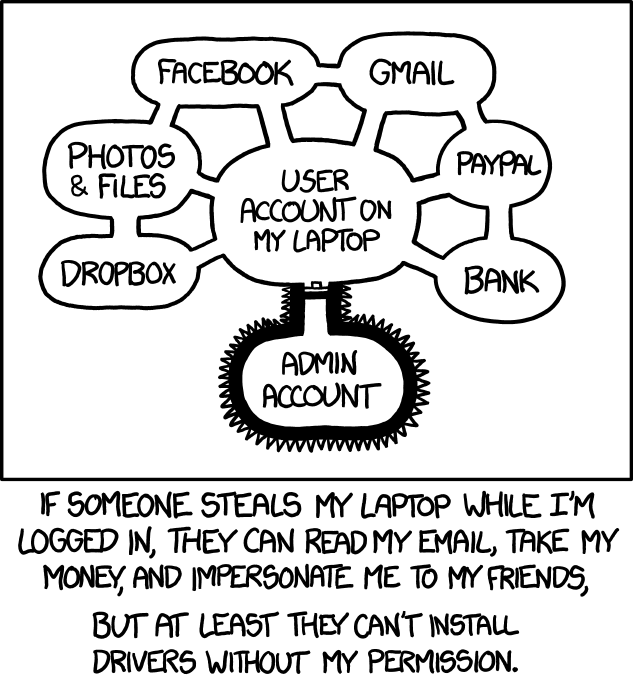
The enthusiasm and this post is inspired by Nemo's awesome writeup at https://captnemo.in/blog/2020/01/04/security-setup.